 Pace
PaceSimple money planning for iPhone
See how far your money could go.
Bring your wealth, spending and income together. Understand today, then see what a change could mean.
No bank login. No ads. No subscription.
Start free with your current outlook and one saved decision. Pace Pro is a one-time purchase for more exploration.
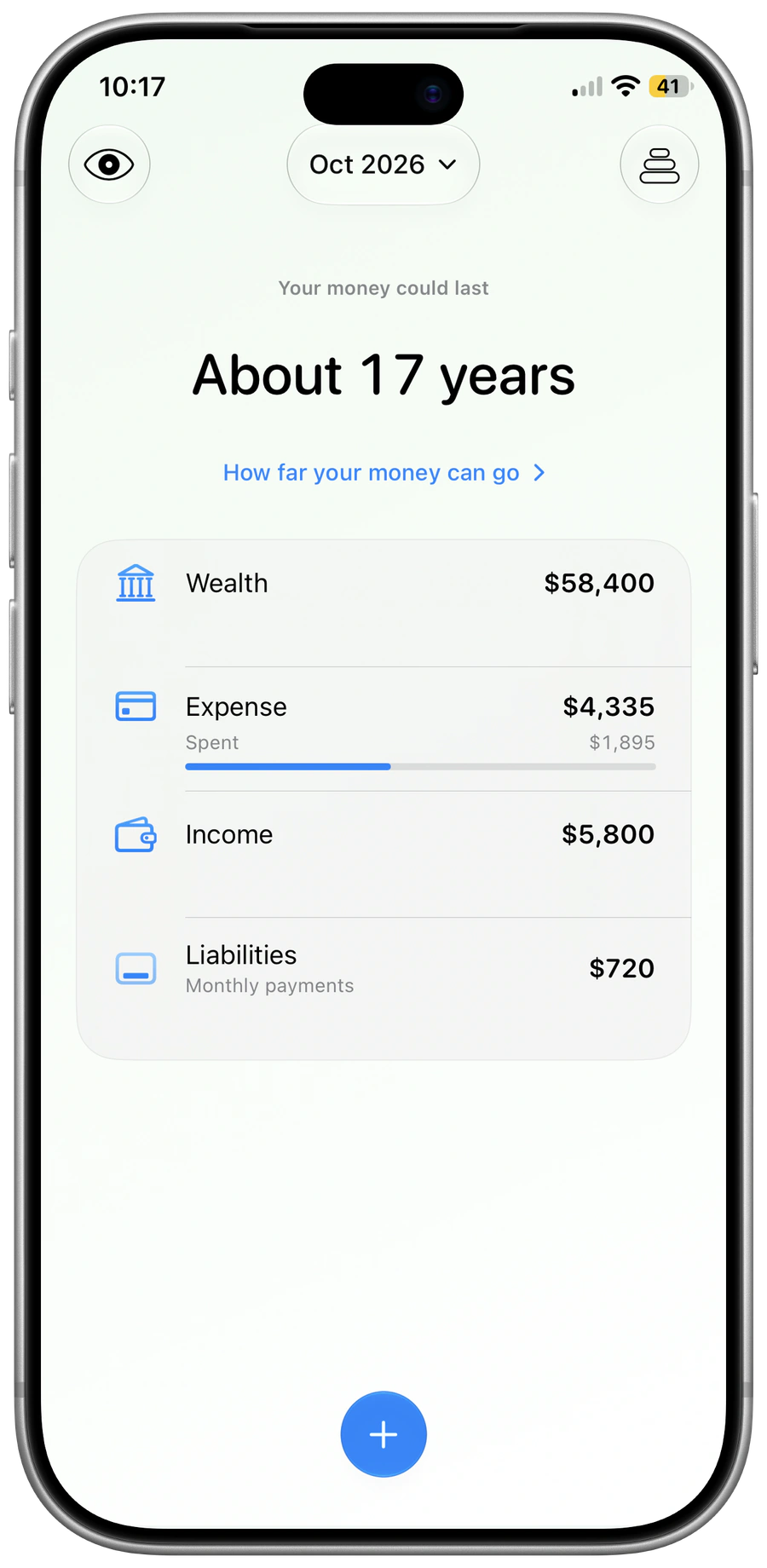
Start where you are.
Add your wealth, spending, income and debt payments.
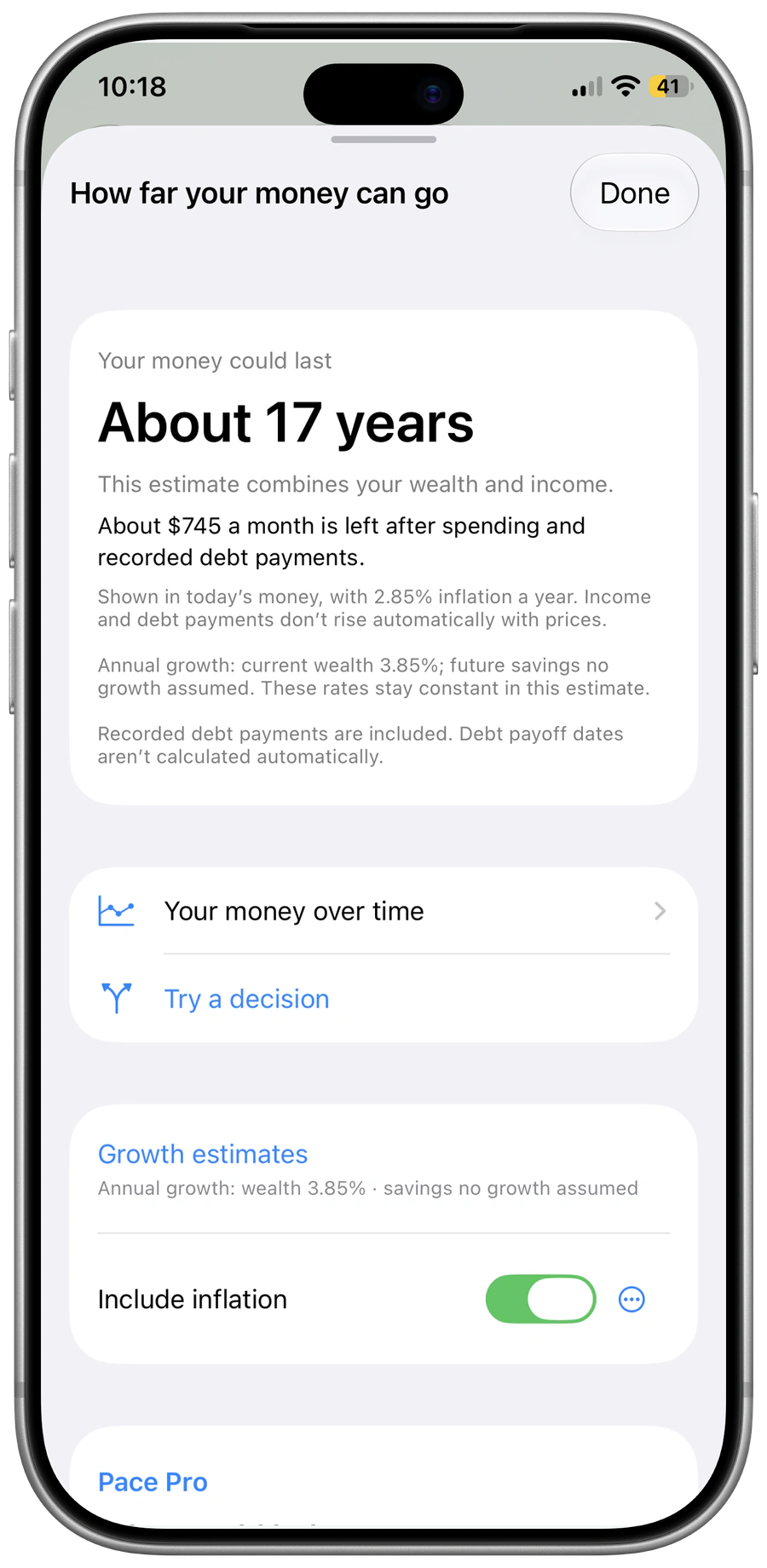
Understand your outlook.
See your current estimate and the assumptions behind it.
See what changes.
Try a different choice before changing your real records.
Start with understanding
Your money in time.
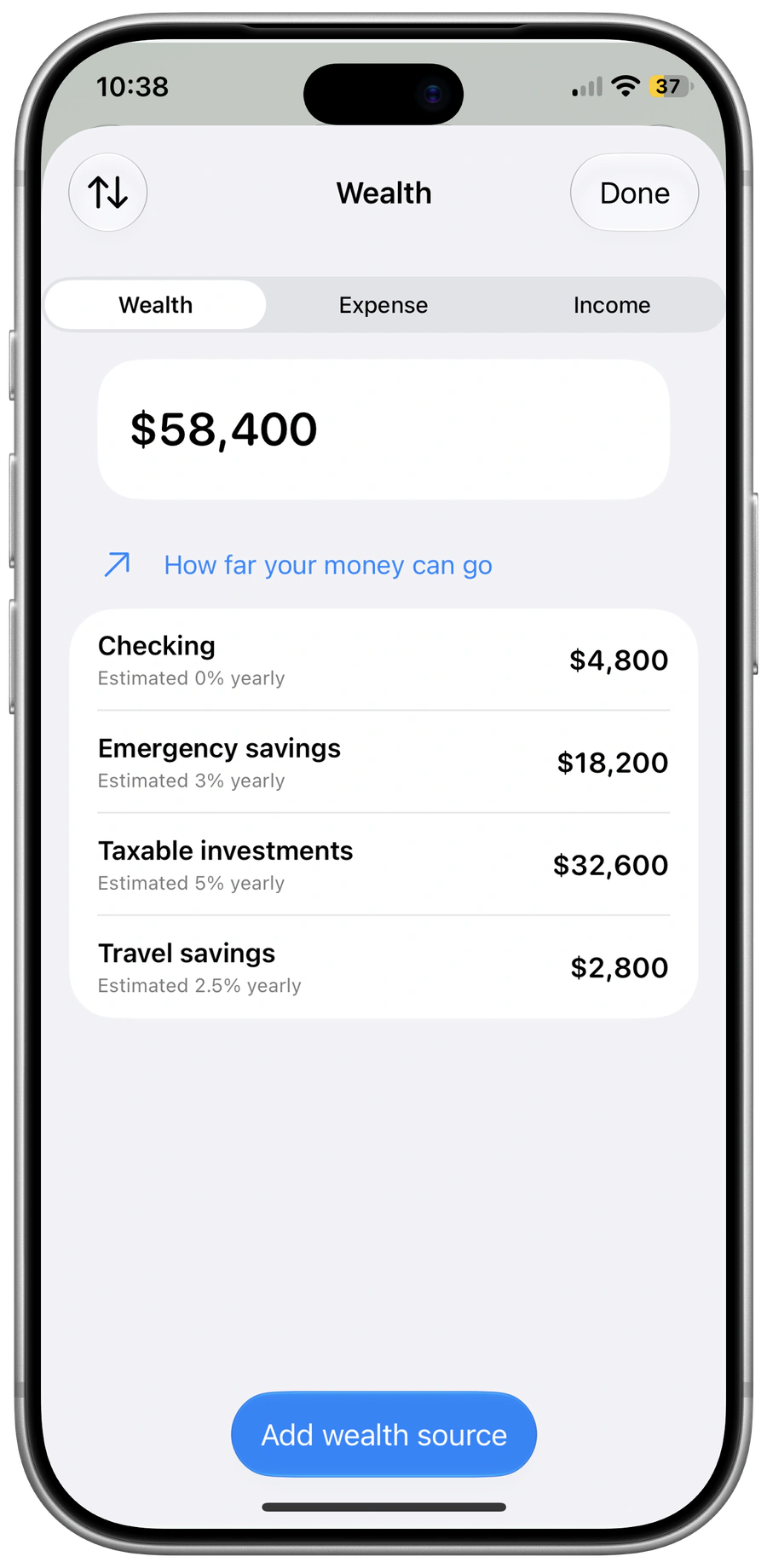
Bring wealth, spending, income and debt payments together. See your current outlook and the assumptions behind it.
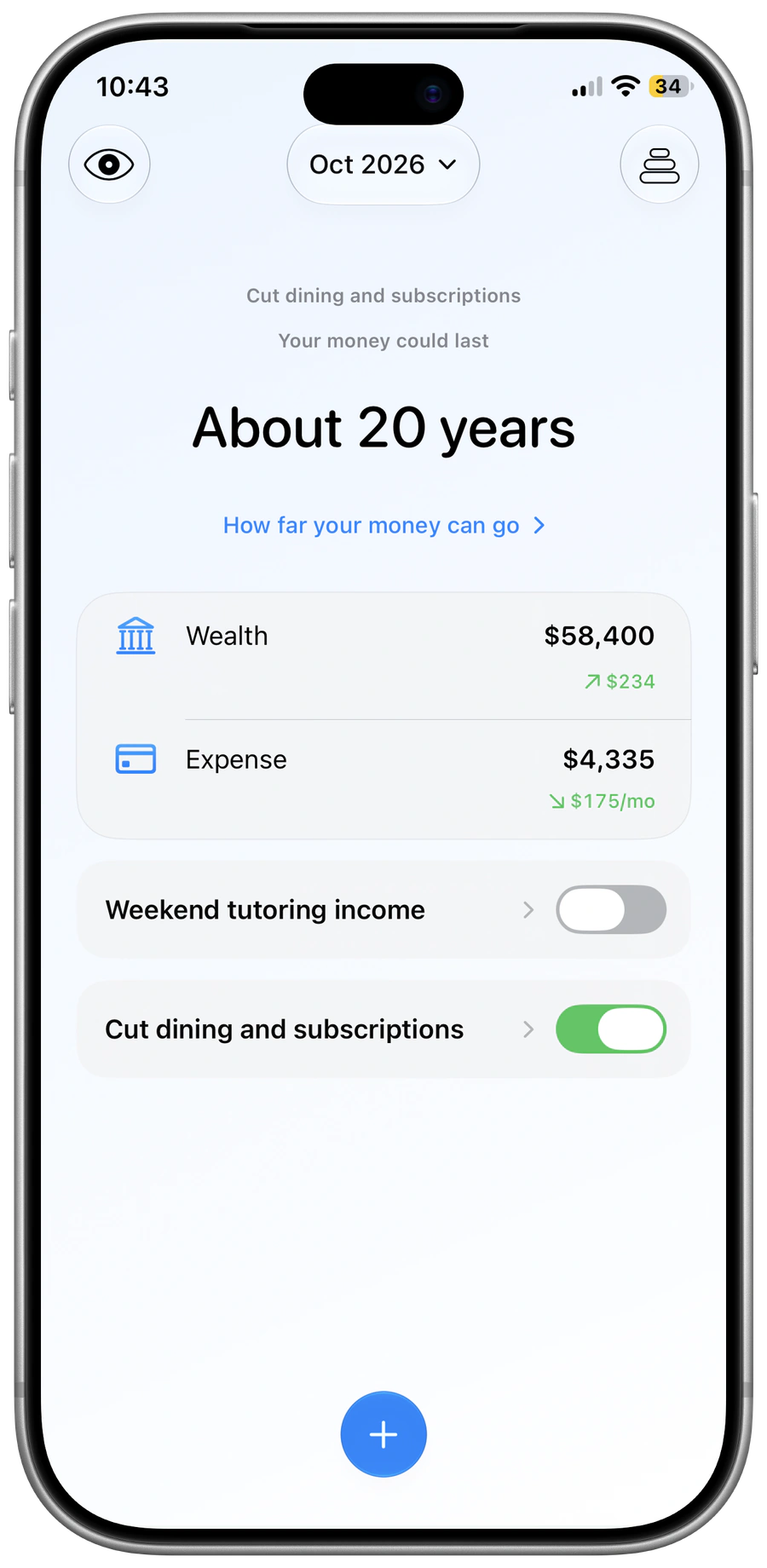
Explore a different choice
What would spending less change?
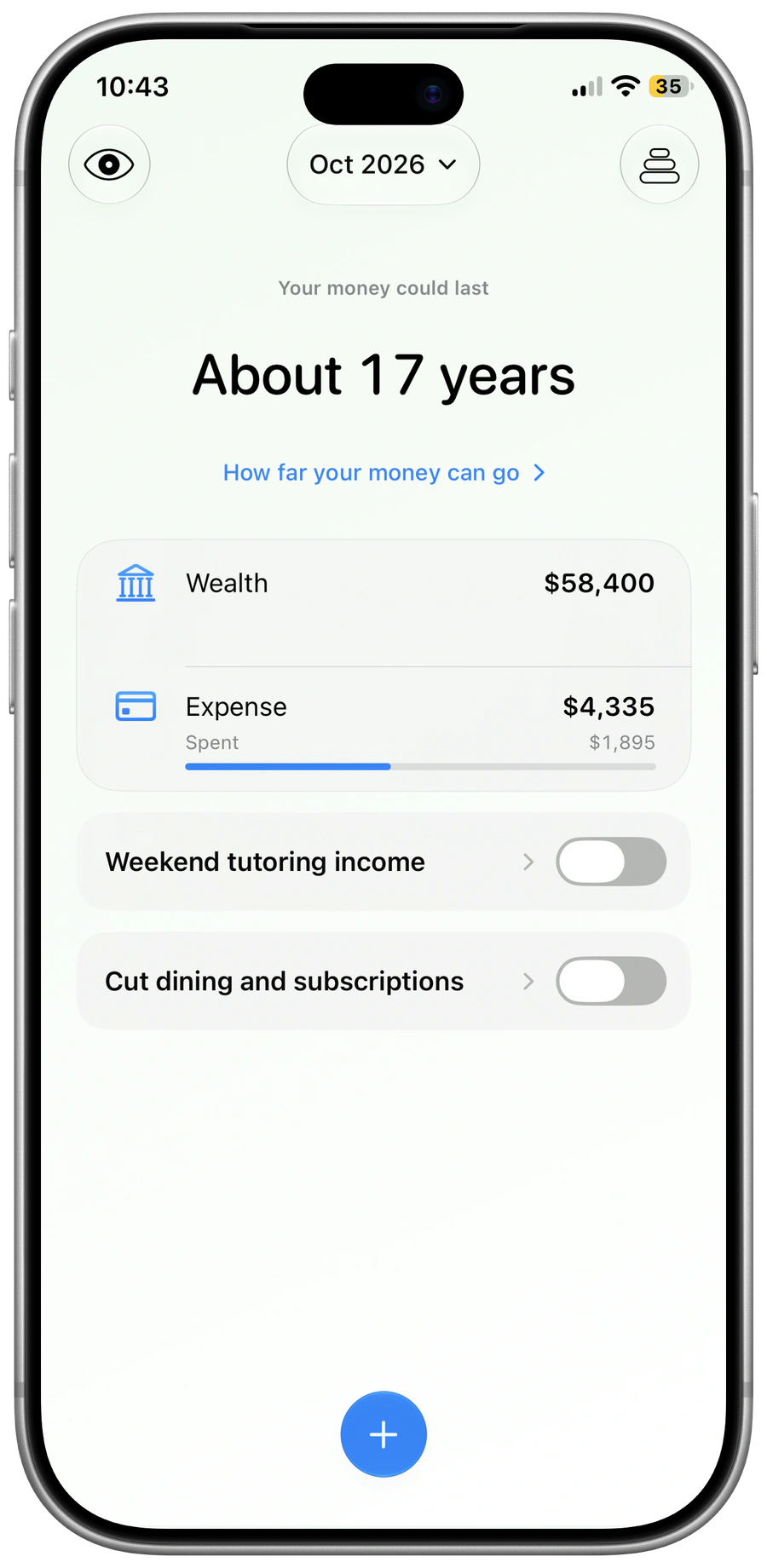
Try a smaller monthly expense before changing your life. Compare the outlook with the way things are today. Explore more with Pace Pro.
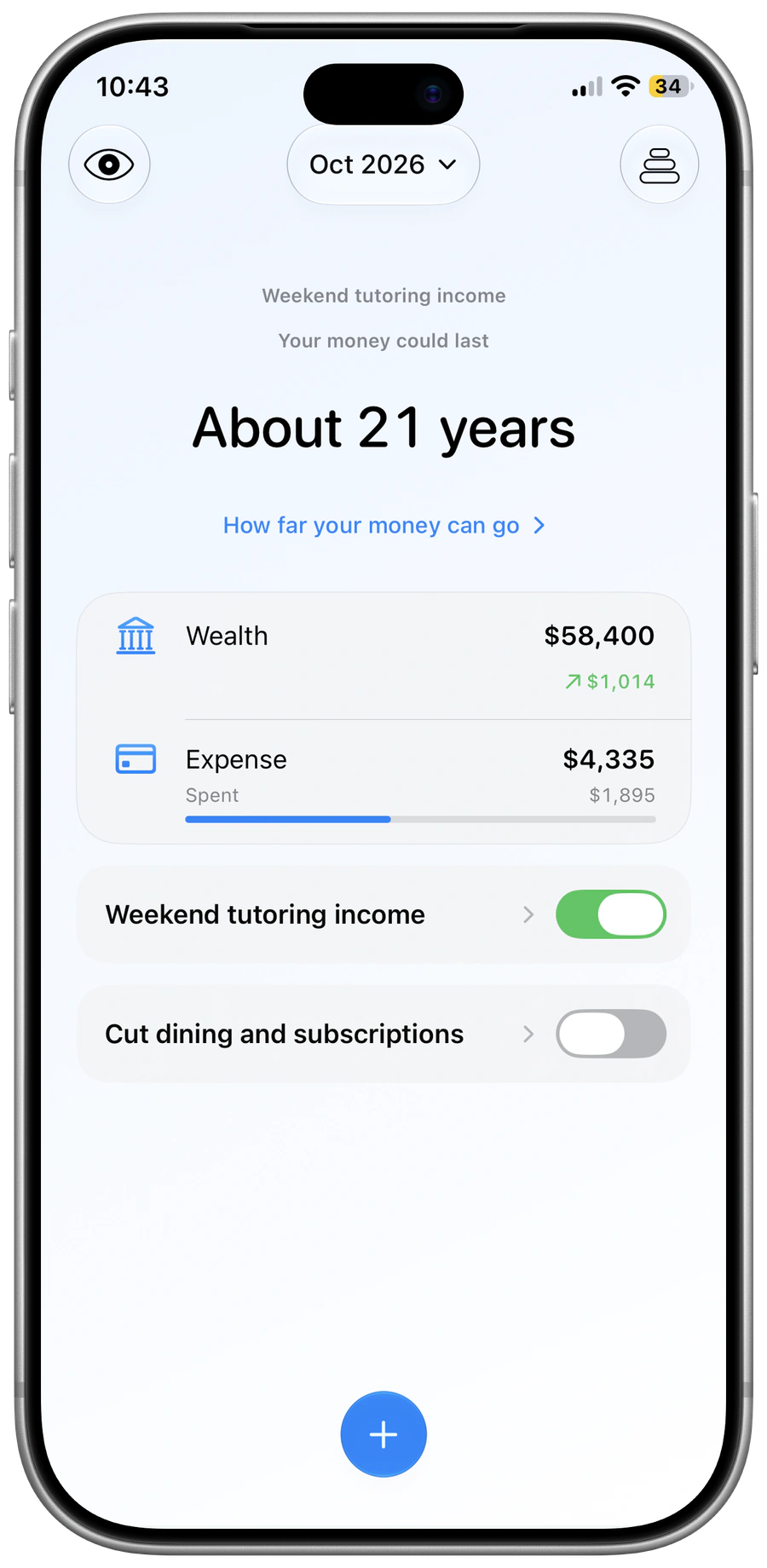
More than a bigger balance
See what extra income could mean.
Try a different income and see how your outlook changes. Your real records stay separate from the choices you explore.
Everyday spending
Know where your money goes.
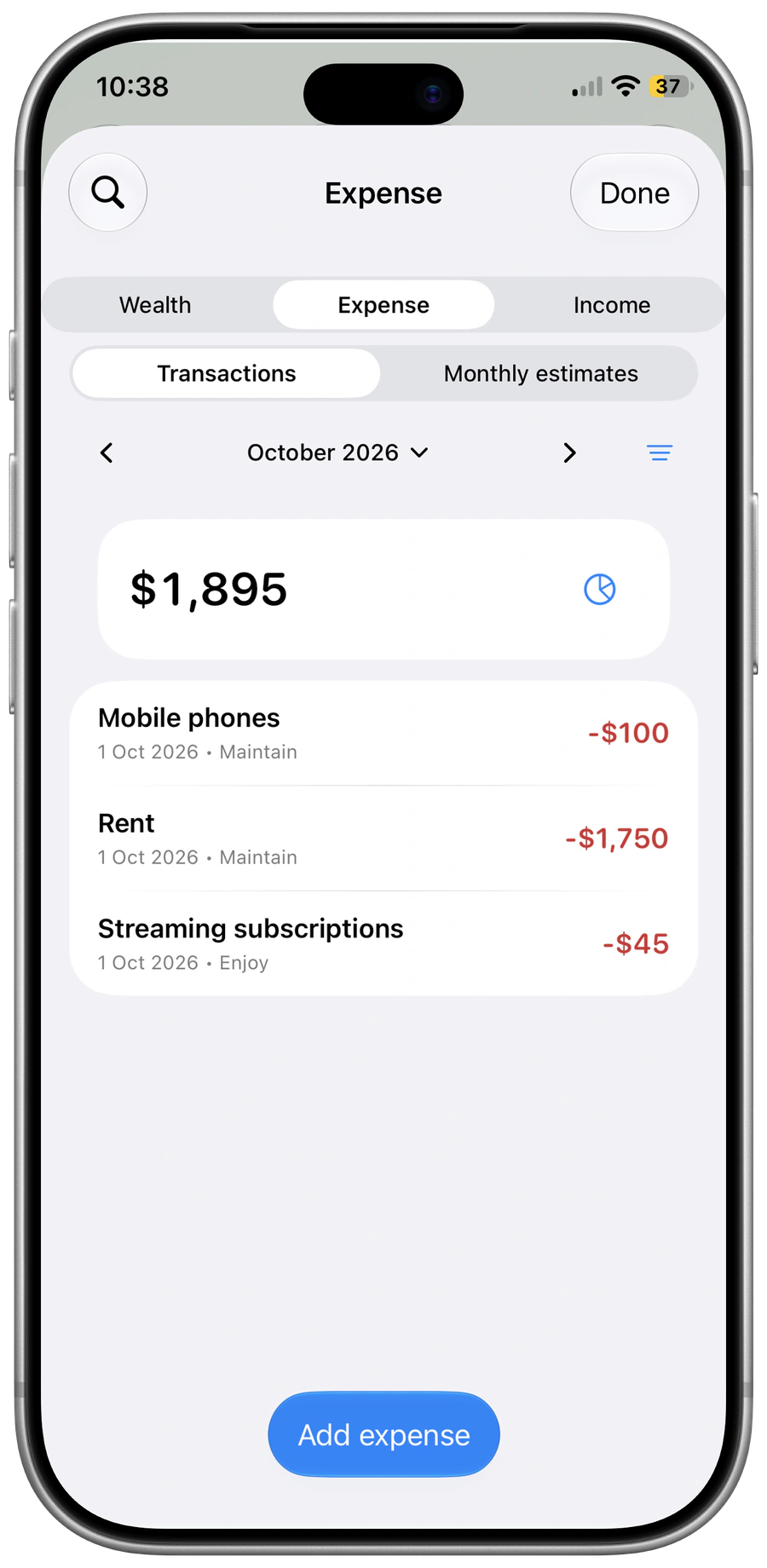
Record expenses under Maintain, Enjoy and Build. Keep the three purposes simple, or give them names that feel like you.
Keep it personal
Your money stays yours.
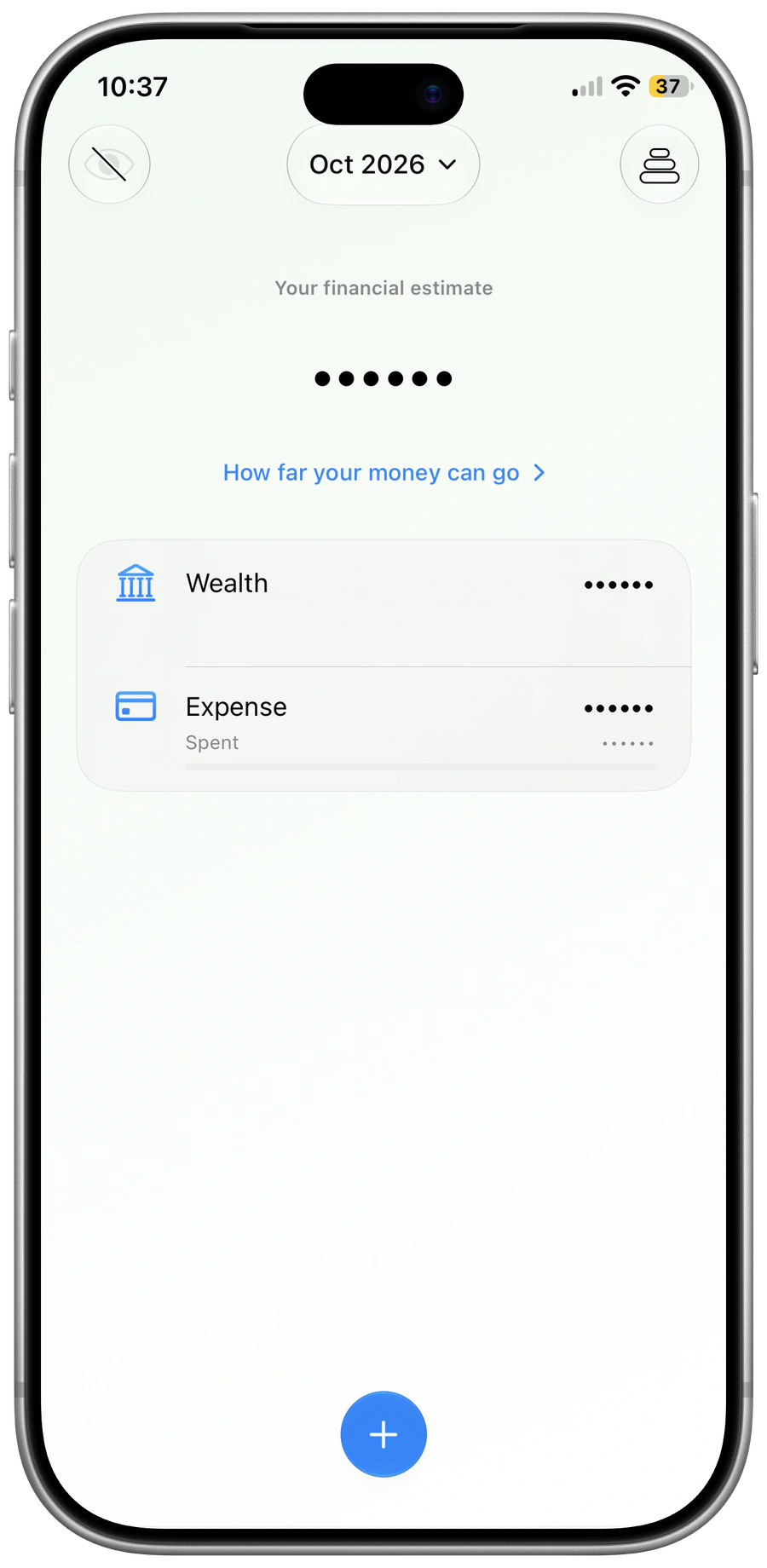
No bank login. No Pace account. No ads. Keep records on your device, with private iCloud storage if enabled. Hide amounts with a tap and export a backup whenever you like.
A closer look at Pace.
From your everyday records to the choices ahead. Open a section to explore.
Your finances, your way
Your wealth
Make it yours
Your data
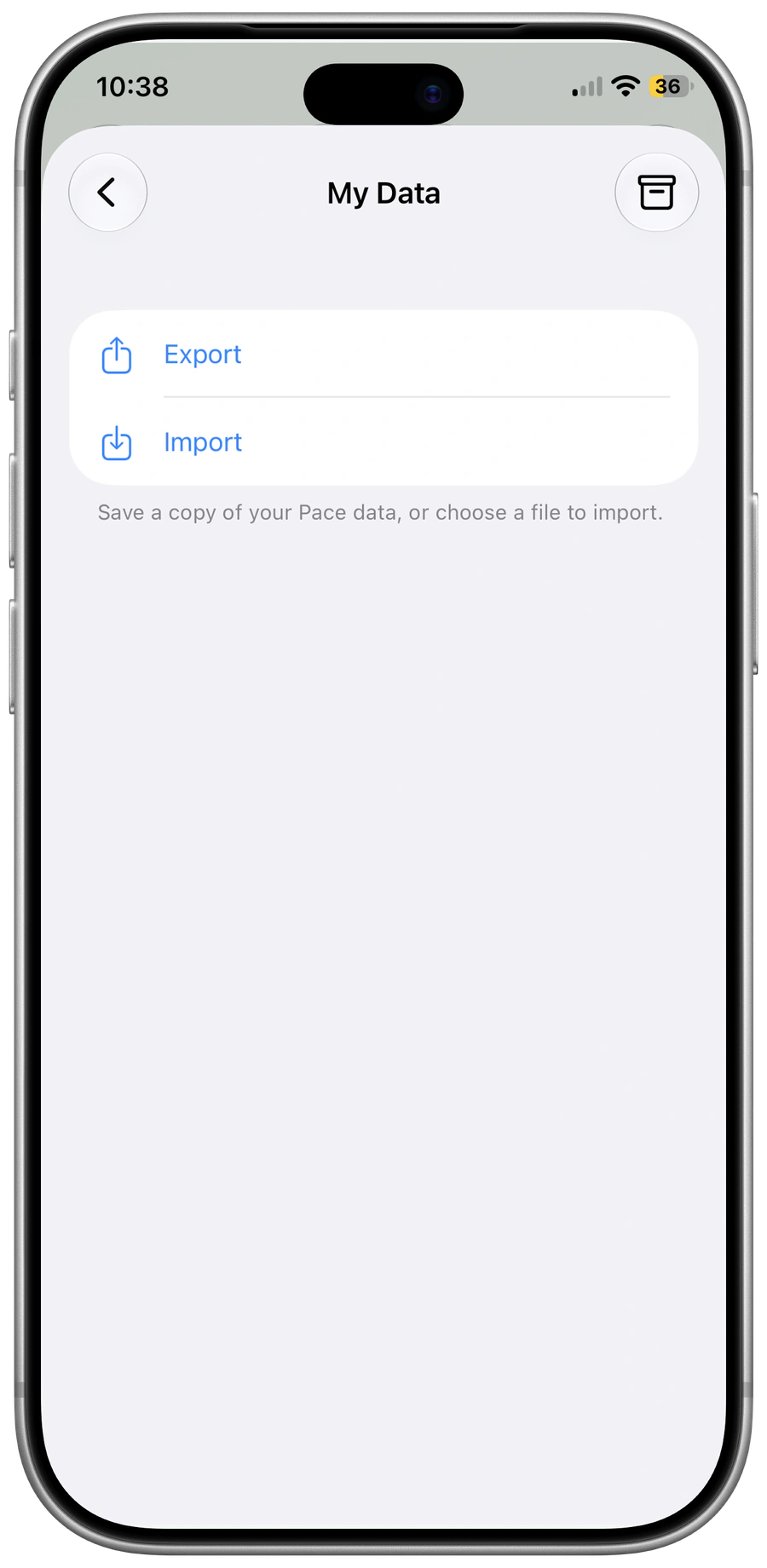
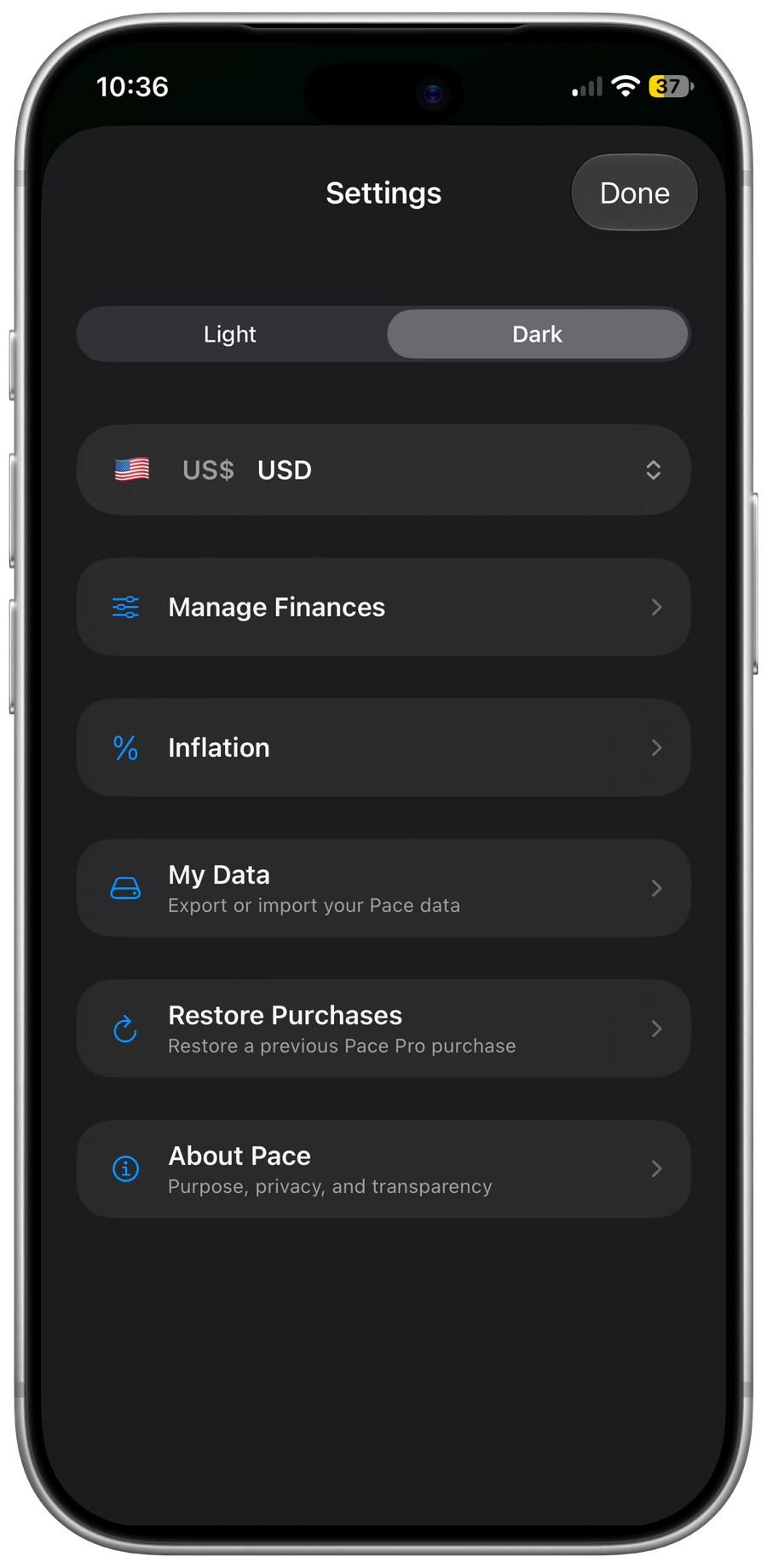
Your settings
The assumptions behind your outlook
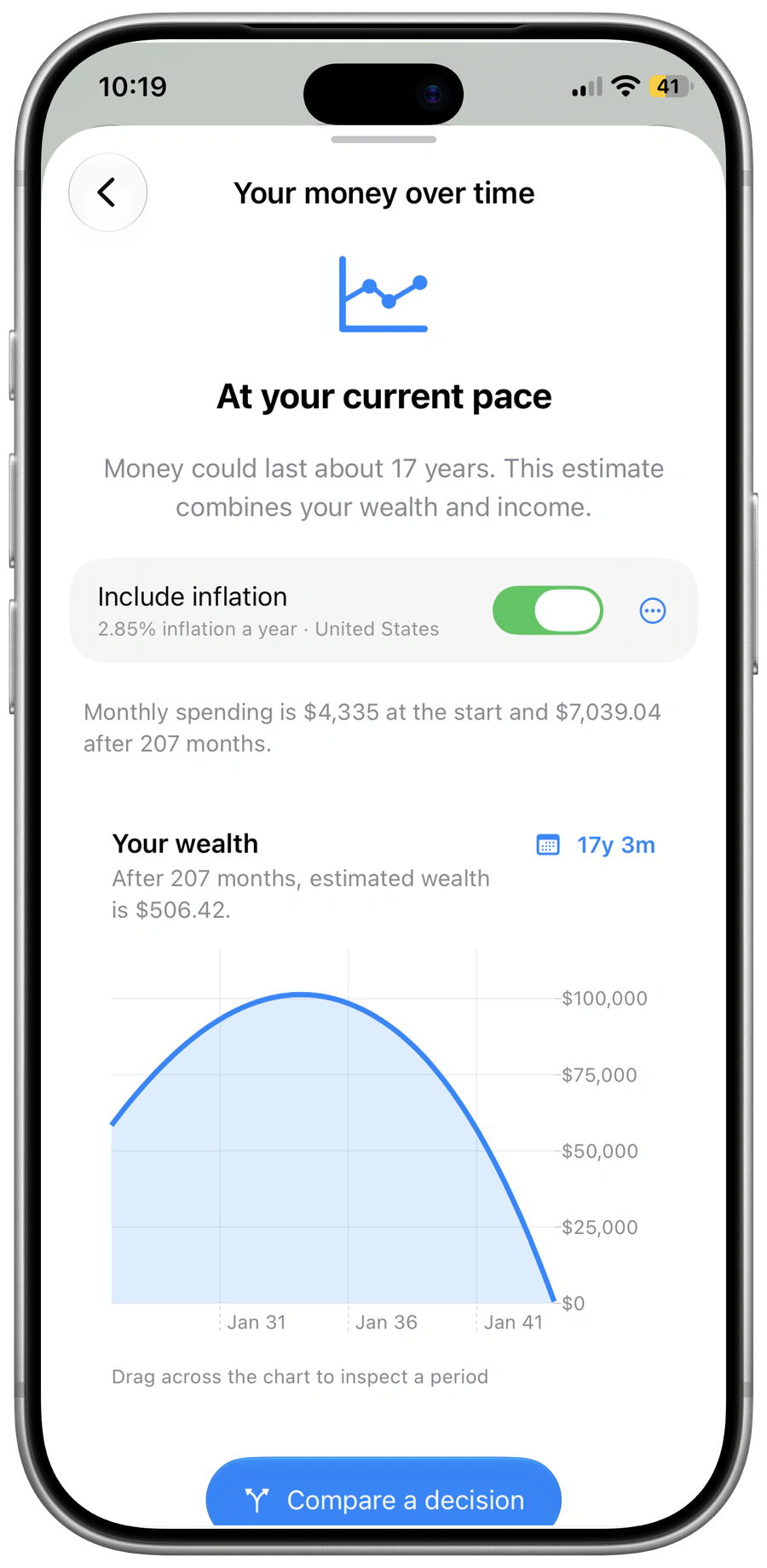
Your money over time
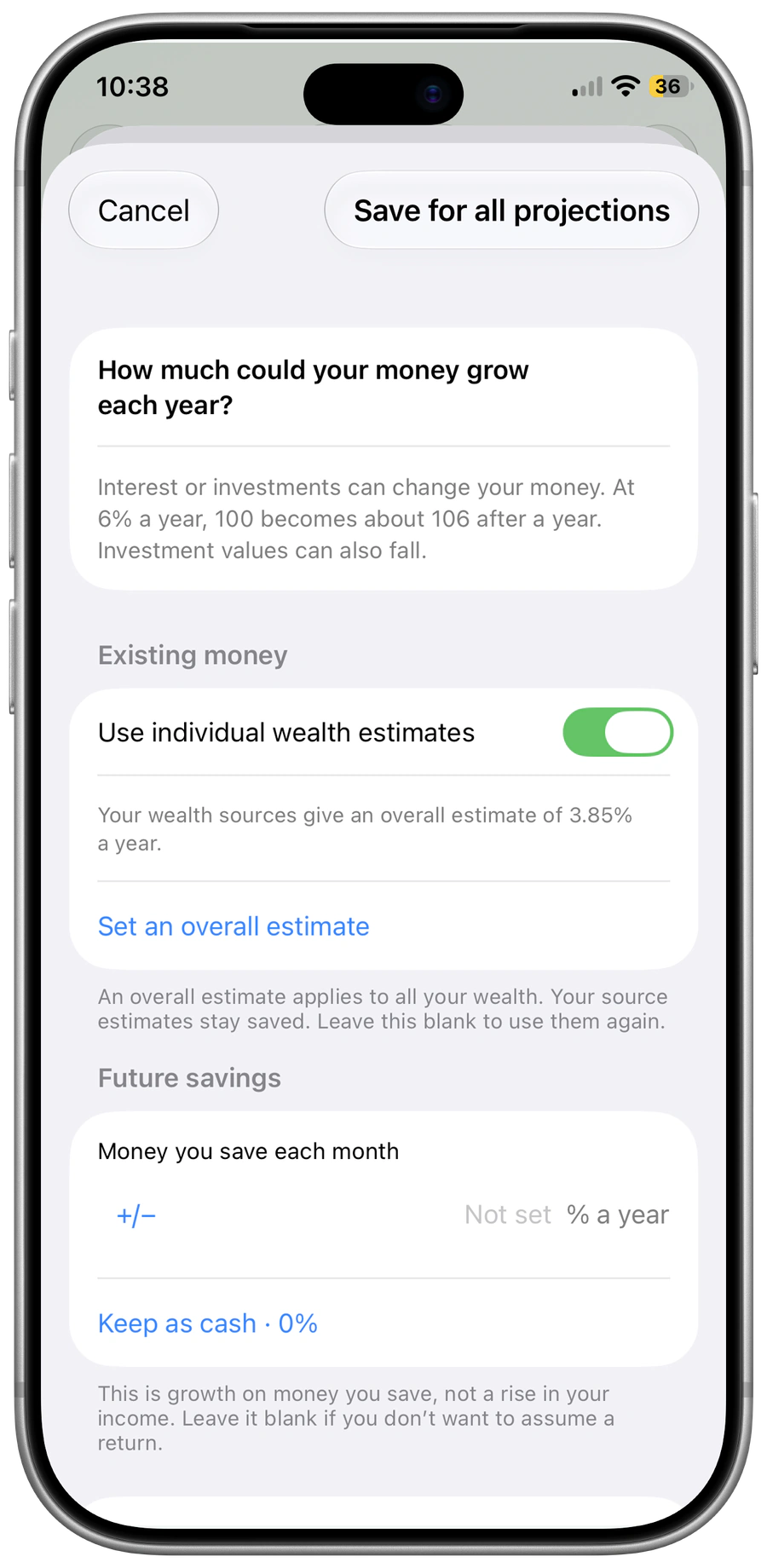
Growth estimates
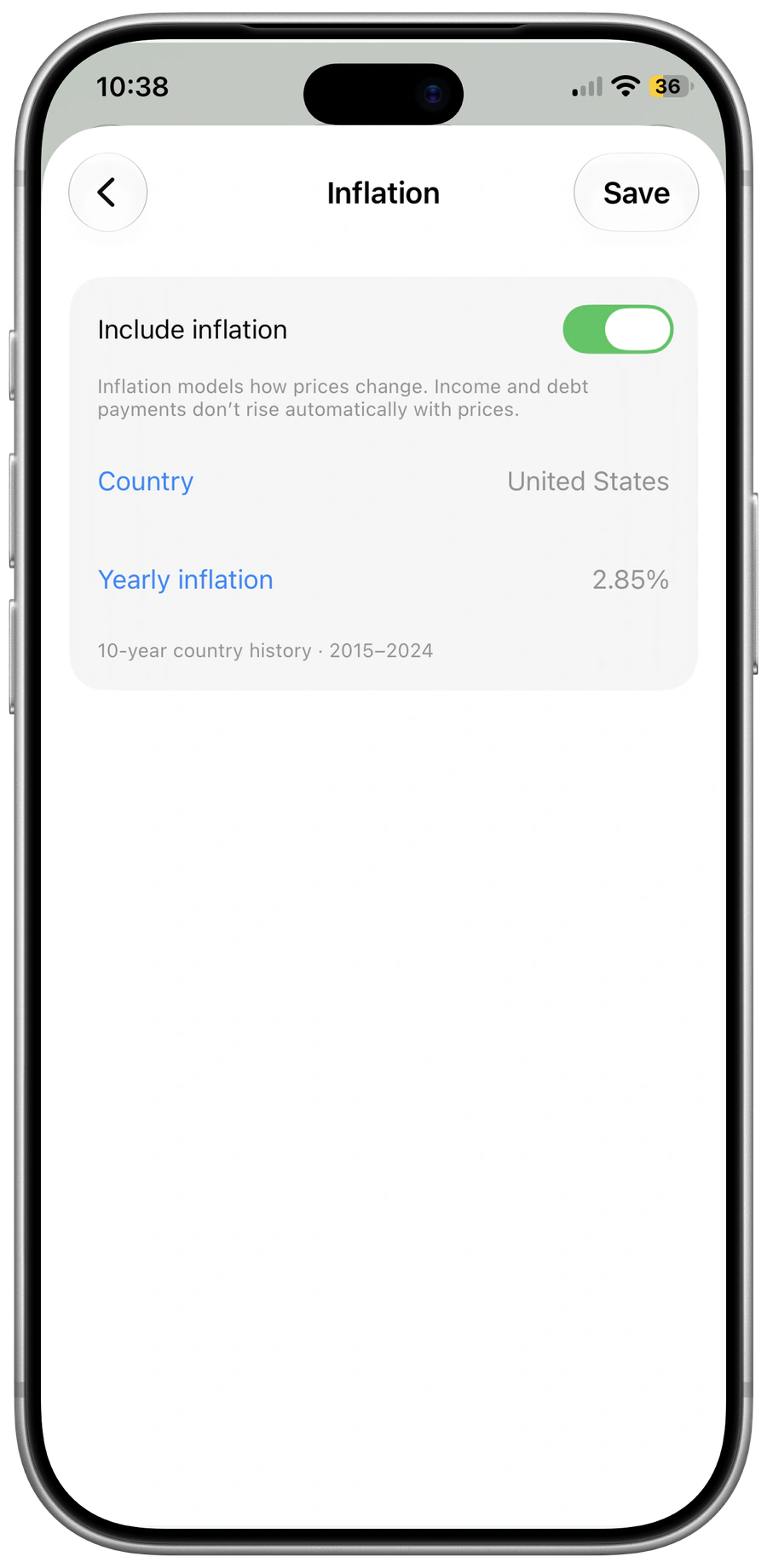
Rising prices
Before you make a change
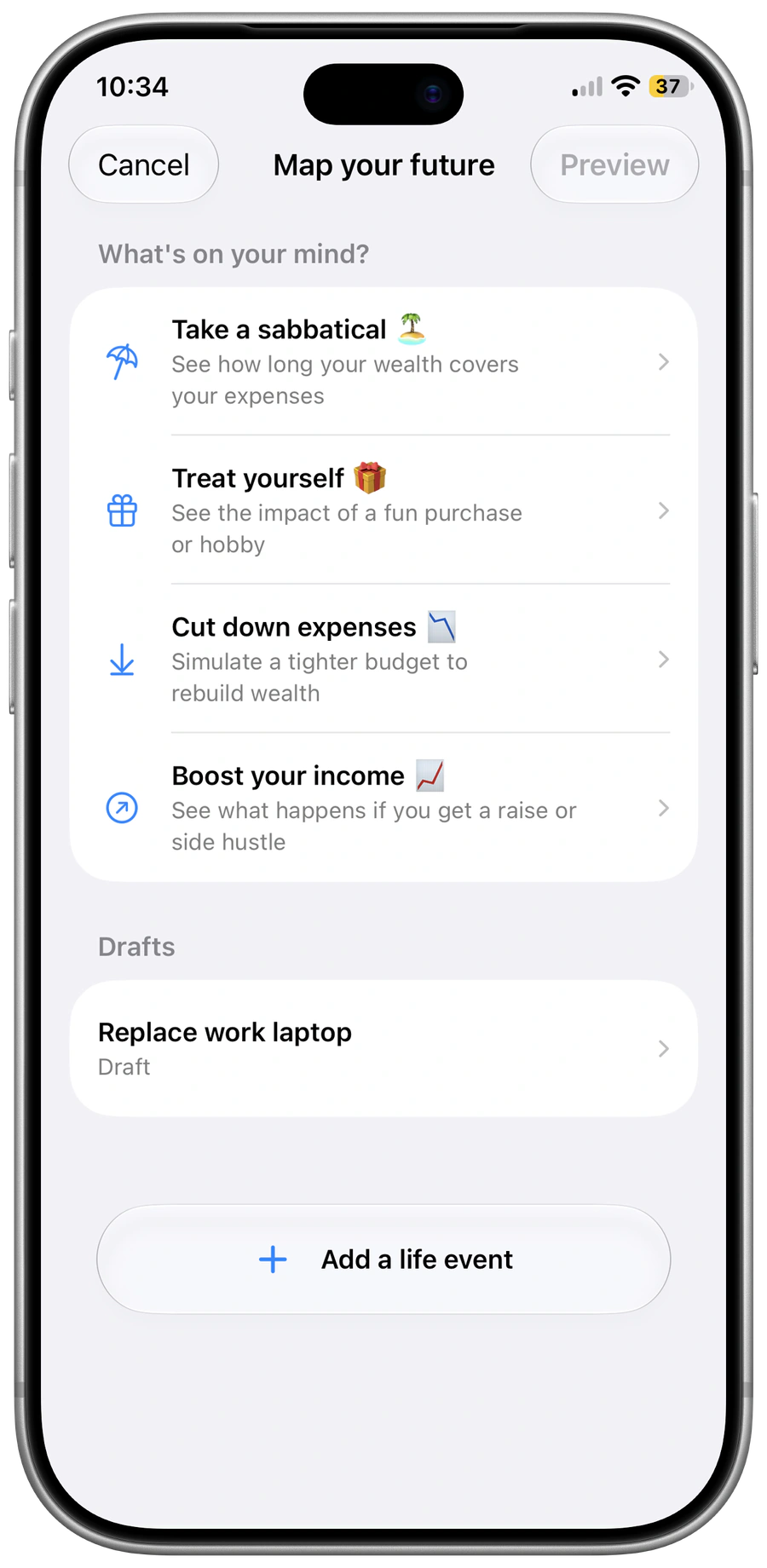
Try a decision
Before a change
A few useful answers.
How does Pace show how far my money could go?
Enter your wealth, monthly spending, income and debt payments. Pace brings them together with your growth and inflation assumptions to show an estimated outlook. Change an input to see what changes.
Can I try spending less, earning more or taking time off?
Yes. Try a decision and compare it with your current outlook. Your actual records stay separate. You can keep one saved decision for free; Pace Pro offers more exploration and unlimited saved decisions.
Does Pace account for rising prices?
Yes. Choose a country, edit its yearly inflation estimate or turn inflation off. You can also change growth assumptions for your existing wealth and future savings. These are estimates you control, not promised returns.
Does Pace connect to my bank?
No. You enter amounts and spending records yourself. No bank login or Pace account is required. Pace can work alongside your bank or budgeting app.
What is free?
Your current outlook, shared assumptions and one saved decision stay free. Pace Pro is a one-time purchase for further exploration and unlimited saved decisions. There is no subscription.
Where are my records stored?
Your records are on your device, with private iCloud storage if enabled. You can export and restore a Pace backup. Pace has no ads, and you can hide amounts with a tap.
What does Covered for life mean?
It means your wealth could support spending without monthly income under your chosen assumptions. It is an estimate, not a guarantee. Your spending, prices and returns can change.
Your numbers. A clearer outlook.
Start free. No subscription.
Screens show examples in US dollars. Results depend on the amounts and assumptions entered; they are not guarantees or investment recommendations.